 Code Emperor - Xiao Mi Bao Online Decryption
Document Online Decryption Website - Recover Password - Crack Password Usage Tutorial
Step 1: Open the URL of Demybao, jiemibao.com On the homepage, click Upload File
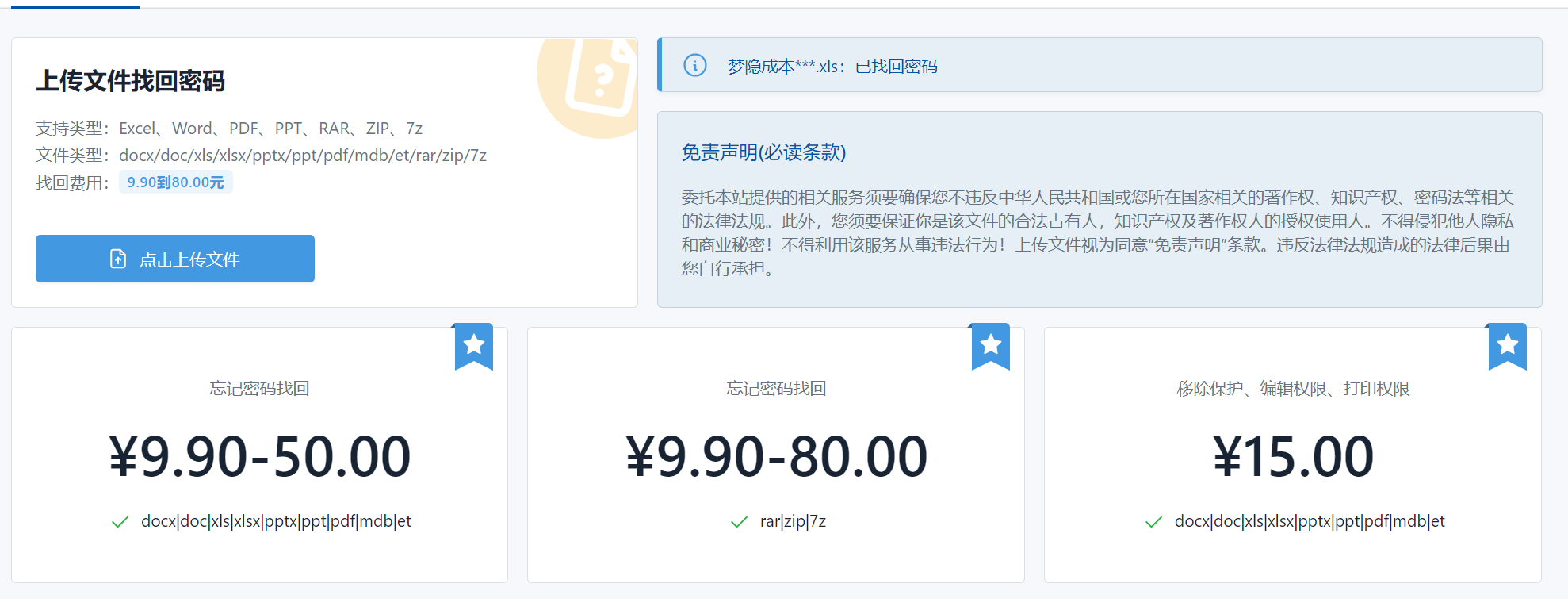
Step 2: Select the file to be processed. The system supports files in formats such as (docx/doc/xls/xlsx/pptx/PPT/PDF/mdb/RAR/ZIP/7Z). Recover password
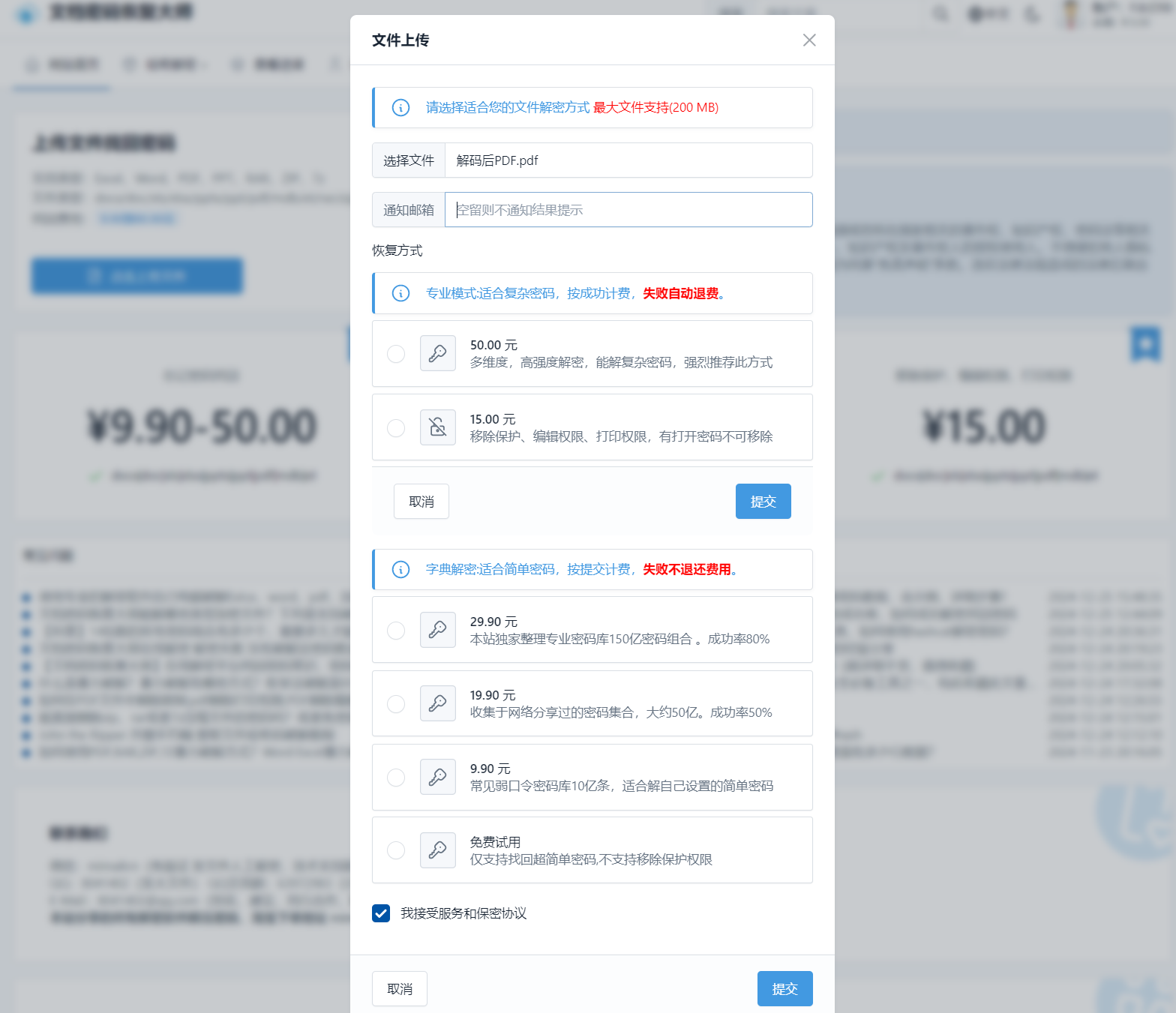
The benefits of using Decryption Treasure for online decryption are not only secure, but also very convenient. No need to download software; simply open your browser to decrypt your files in formats such as (docx/doc/xls/xlsx/pptx/PPT/PDF/mdb/RAR/ZIP/7Z) anytime, anywhere. In addition, Decryption Treasure is an affordable tool, so you don't need to spend a lot of time and money to solve the problem of docx/doc/xls/xlsx/pptx/PPT/PDF/mdb/RAR/ZIP/7Z passwords.
If you are looking for a simple and easy way to recover docx/doc/xls/xlsx/pptx/PPT/PDF/mdb/RAR/ZIP/7Z passwords, then Decryption Treasure is definitely the best choice for you. Come and try it!